Maintenance · 10 min read
What Spiral Freezer Data Should Maintenance Teams Record Before a Belt Failure?
 Written bySpringSales Director, JBL Mesh Belt · 16 years in metal conveyor beltsProjects in United Kingdom · USA · Australia · Brazil · South Korea · Spain · MalaysiaPublished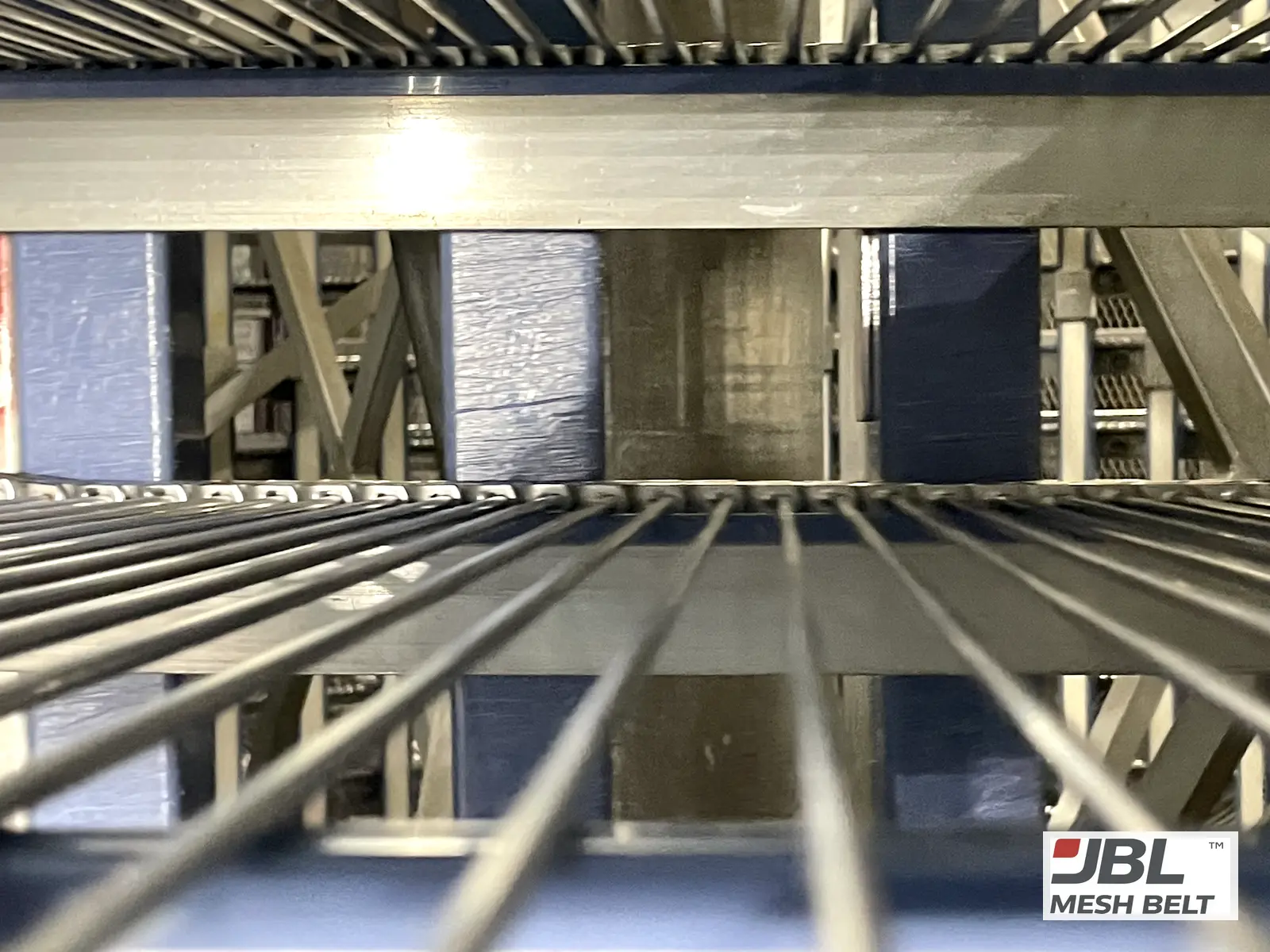
The belt breaks on a Friday night. On Monday everyone asks what changed — and nobody can say, because nothing was written down while it ran.
Short answer
Before a failure, record twelve things regularly: belt speed, motor current or power, drum speed, tracking position, take-up position, unusual noise, vibration, temperature, product load, cleaning cycles, visible wear locations, and maintenance and repair history. A baseline after installation plus regular entries shows what changed when a problem appears.
At a Glance
| Product | Application | Key point | Buyer type | What to send |
|---|---|---|---|---|
| Spiral freezers and coolers | Routine maintenance without online monitoring | Record before it fails | Maintenance teams, plant engineers | Your records, photos and a running video when a problem appears |
You do not need an online monitoring system to do this. A simple log, kept the same way each time, is enough. Here is what to record, how to set a baseline, and how the records help when something goes wrong.
01Which twelve data points should maintenance teams record?
Most belt problems give signs before they stop the line. The signs are only useful if someone wrote them down.
Short answer
Record belt speed, motor current or power, drum (cage) speed, tracking position, take-up position, unusual noise, vibration, temperature, product load, cleaning cycles, visible wear locations, and maintenance and repair history. Keep the method the same each time so the entries can be compared.
| # | Record | What a change can point to |
|---|---|---|
| 1 | Belt speed | Drive setting changes, slip |
| 2 | Motor current / power | Rising load, friction, binding |
| 3 | Drum (cage) speed | Drive relationship changes |
| 4 | Tracking position | Alignment, wear, tension |
| 5 | Take-up position | Belt stretch |
| 6 | Unusual noise | Engagement, contact, bearings |
| 7 | Vibration | Bearings, shafts, loose parts |
| 8 | Temperature | Operating conditions, ice |
| 9 | Product load | Overload, uneven loading |
| 10 | Cleaning cycle | Chemical exposure, residue |
| 11 | Visible wear locations | Where contact is happening |
| 12 | Maintenance / repair history | What changed and when |
None of these needs special equipment beyond what most plants already have. Speeds and motor current are often on the control panel. Positions can be marked on the frame. Noise and vibration can be noted by the person doing the round.
Some freezer makers offer online monitoring. JBL does not sell monitoring systems. This list is for the many lines that do not have one, so that the basic history exists when it is needed.
02How do you set a baseline for a spiral belt?
A reading is only useful if you know what it was when everything was right.
Short answer
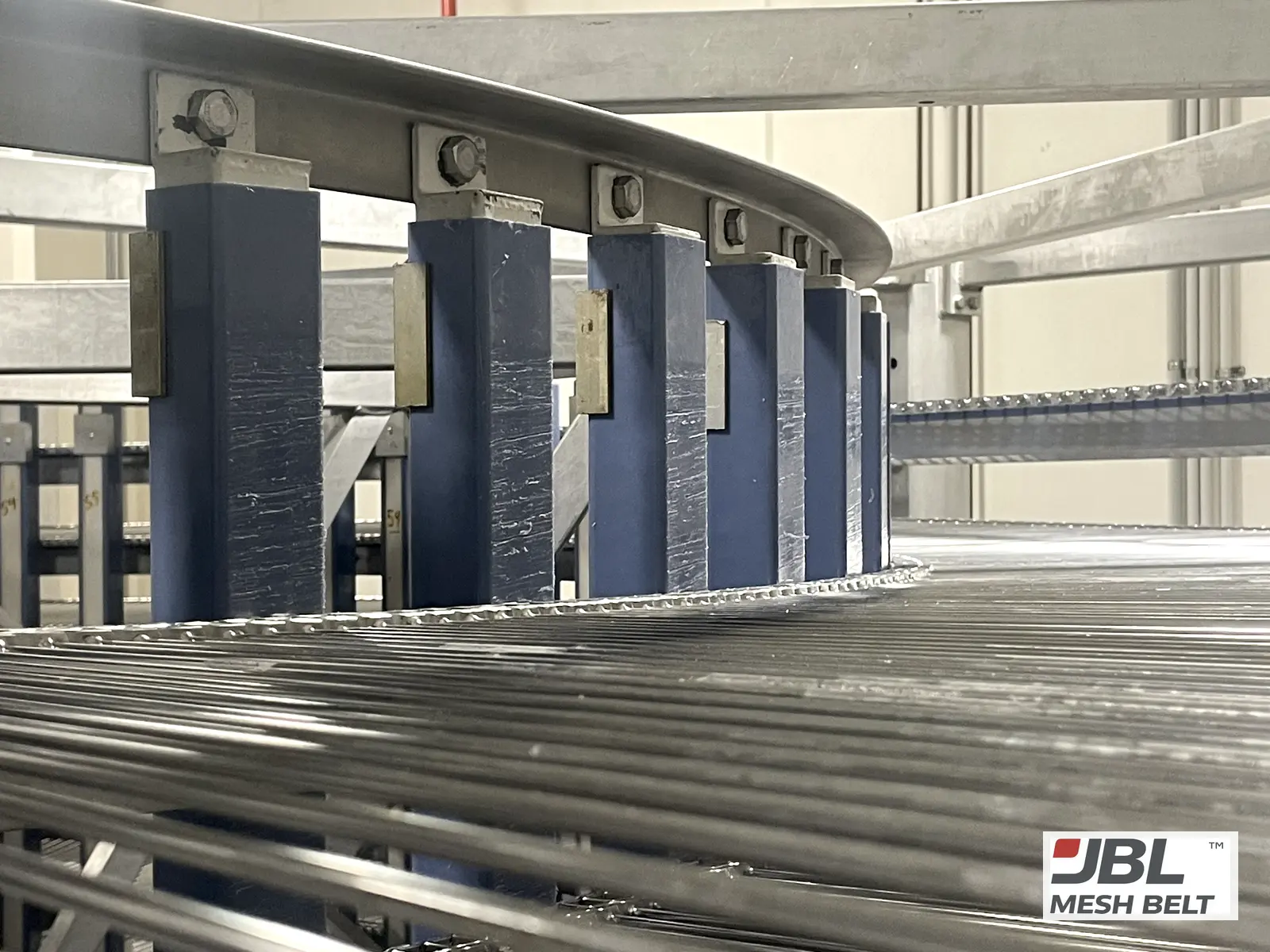
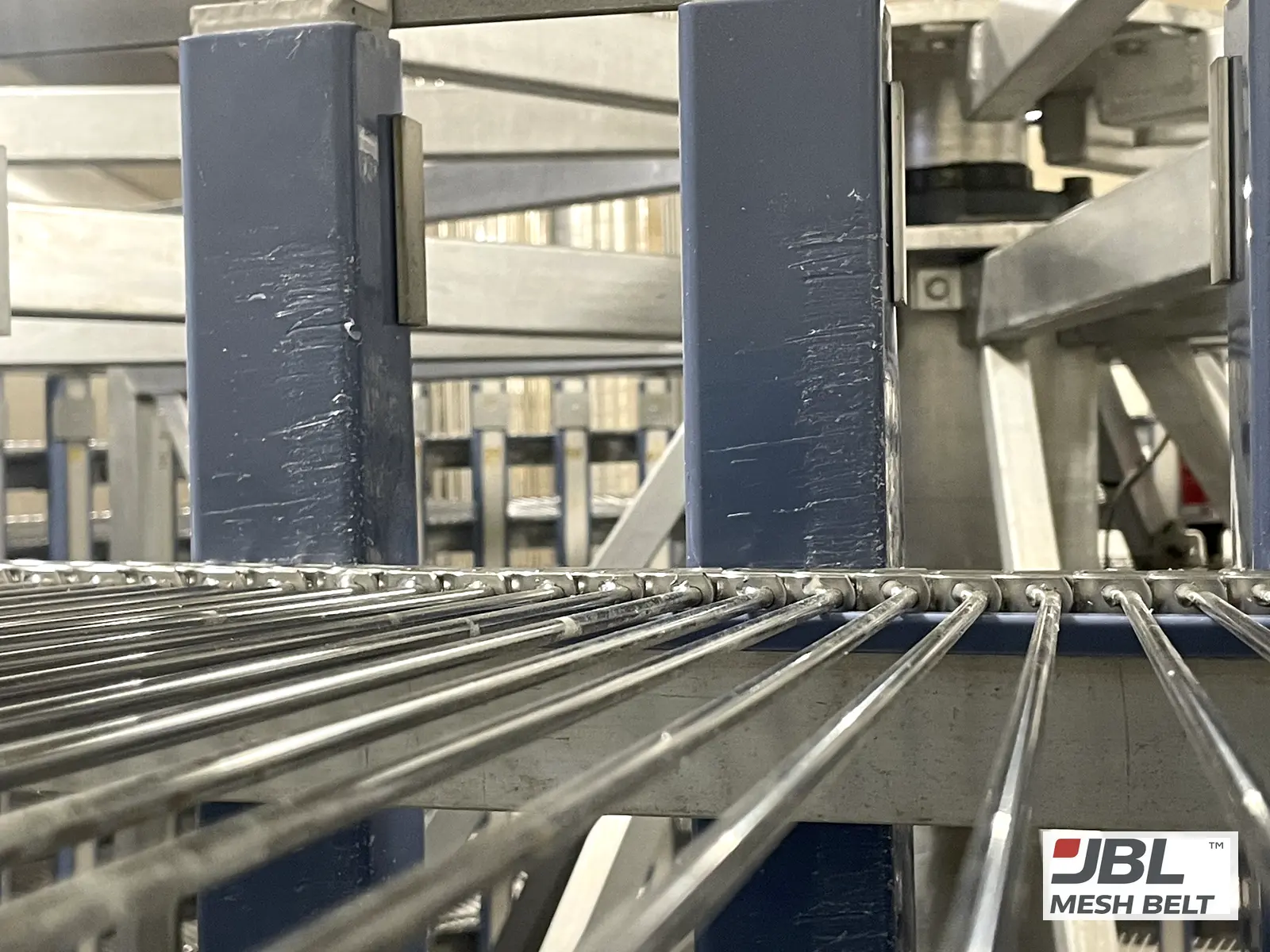
Set the baseline right after installation or commissioning, when the belt runs well: record speeds, motor current, tracking and take-up position, and photograph the belt edges, drum bars, sprockets and wear strips at fixed spots. Every later entry is compared with this baseline.
- 01
Mark reference points
Fixed marks on the frame for tracking and take-up position.
- 02
Record running values
Belt speed, drum speed, motor current at normal load.
- 03
Photograph fixed spots
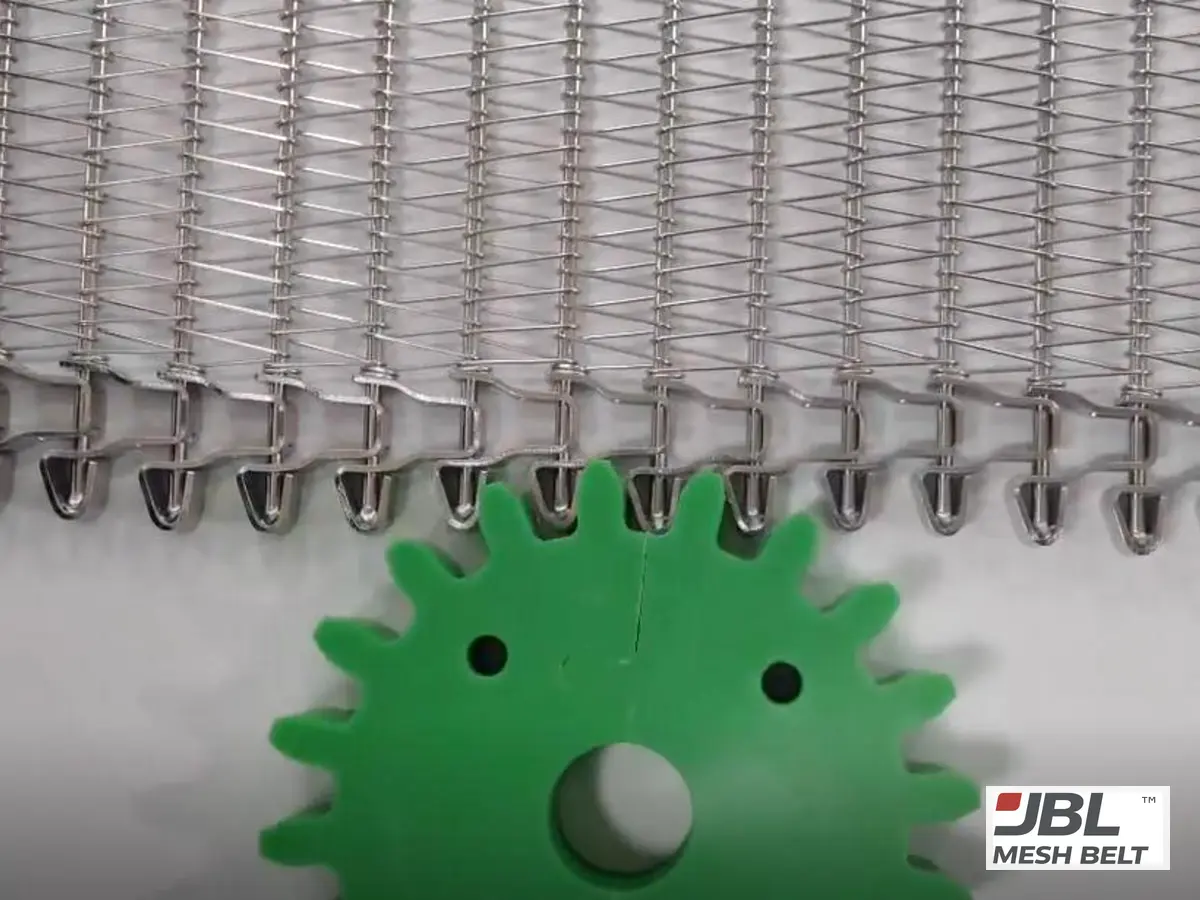
Belt edges, drum bars, sprocket teeth, wear strips — same angle each time.
- 04
Note the conditions
Product, load, temperature, cleaning routine.
- 05
Store it with the belt records
Next to the drawing and the supplier's inspection records.
Commissioning is the natural moment. I describe what to check and record then in the installation and commissioning checklist.
03How often should these values be recorded?
More data is not always better. Regular data, taken the same way, is.
Short answer
Record running values at a fixed interval that fits your shifts — for example at each maintenance round — and after every cleaning, repair or product change. Take wear photos at a longer, fixed interval. Record immediately whenever noise, tracking or motor current changes.
| Record | Suggested moment |
|---|---|
| Speeds, motor current | Each maintenance round |
| Tracking and take-up position | Each maintenance round |
| Noise and vibration notes | Each round, and whenever noticed |
| Temperature and product load | With production records |
| Cleaning cycle | After each cleaning |
| Wear photos at fixed spots | At a fixed longer interval |
| Repairs and changes | Every time |
The exact interval depends on your line, and your maintenance team knows it best. What matters is that it is fixed. A record taken every round for six months shows a trend. A record taken only when someone remembers does not.
Changes are the important entries: a new product, a new cleaning chemical, a repaired section, new sprockets. These are the first things I ask about when a belt starts to misbehave.
04What do changes in the records usually mean?
One number rarely tells the story. Two or three changing together usually do.
Short answer
Rising motor current with new noise suggests friction or binding. A take-up moving toward the end of its travel shows belt stretch. Tracking drifting to one side points to alignment, uneven wear or tension. New marks at fixed photo spots show where contact has started.
| Pattern in the records | Likely area to check |
|---|---|
| Motor current up + new noise | Friction, binding, drum bars, bearings |
| Take-up moving steadily | Belt stretch over length |
| Tracking drifts one way | Alignment, sprockets, uneven wear |
| Clicking at the sprocket | Tooth wear, pitch mismatch |
| Shavings or scratches at photo spots | Edge welds, guide strips, drum bars |
| Changes after a cleaning change | Chemicals, residue, rinsing |
The patterns are starting points, not diagnoses. They tell you where to look first. In Melbourne, the visible signs were shavings at the belt edge and scored guide strips, and the cause was rough welds on the belt. On the waffle line, worn sprocket teeth were visible on the parts the customer sent.
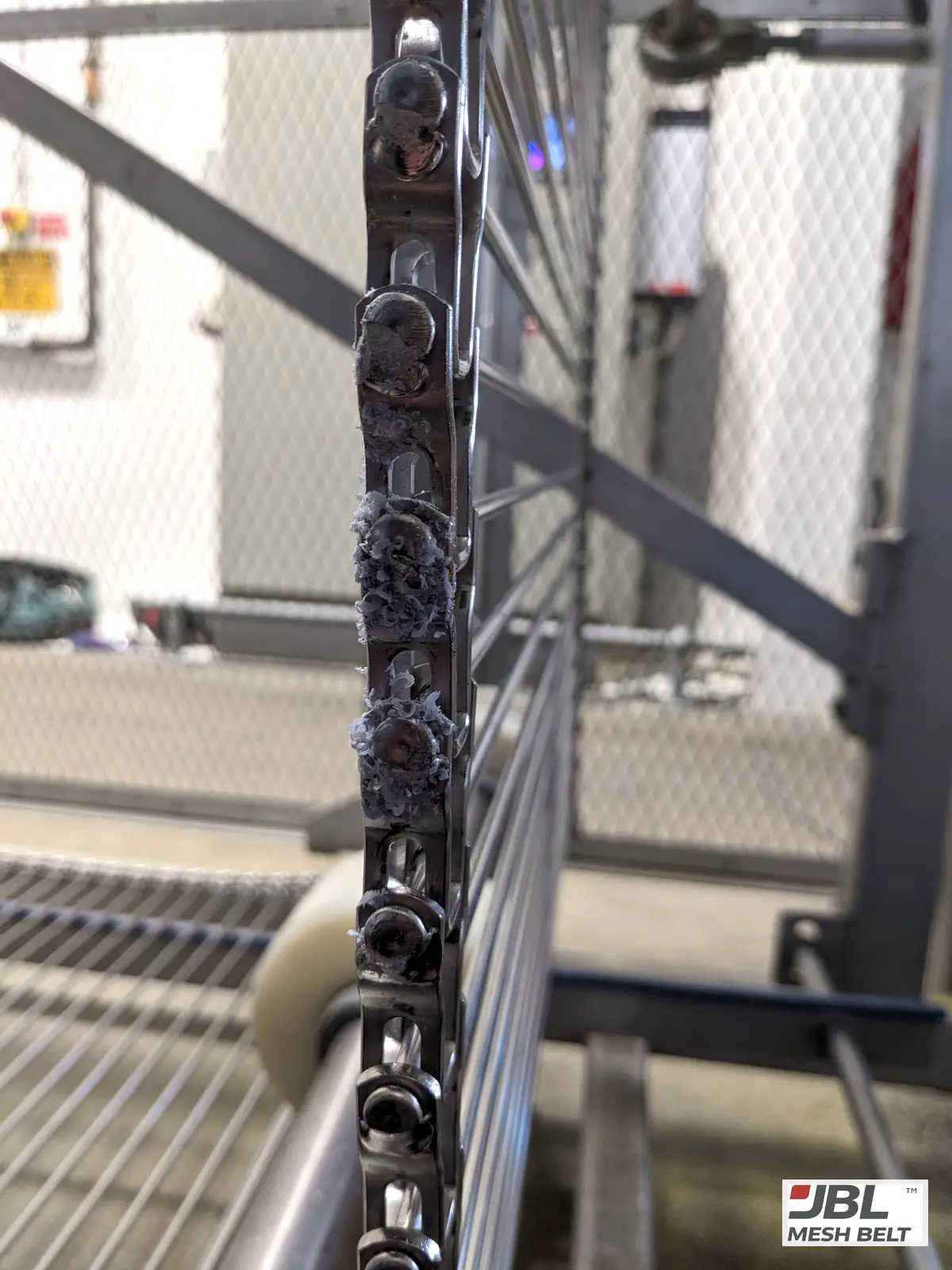
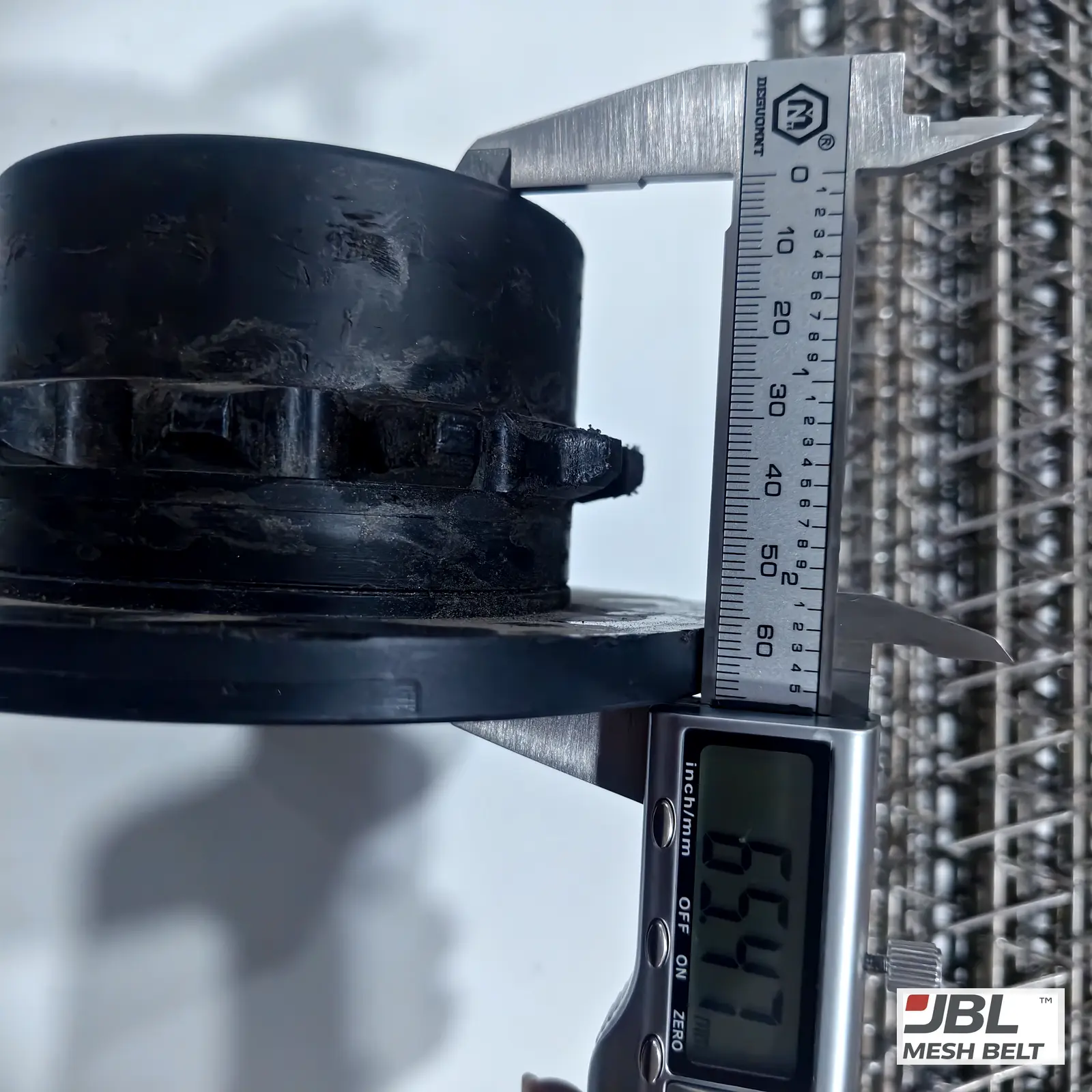
Inspecting the parts around the belt is covered in the 7 system components to inspect.
05How do these records help when a belt problem appears?
When something goes wrong, the records turn guesses into a timeline.
Short answer
With records, you can show when the change started, what changed before it, and which values moved. Send them with photos of the damage, whole belt and drive, plus a short video. The cause can then be separated into belt, machine or the match between them much faster.
| Send | Why |
|---|---|
| Your log around the problem date | When it started and what changed |
| Baseline photos and current photos | Where wear is new |
| Photos of the damage, whole belt and drive | What failed and where |
| Short running video | Jumping, climbing, noise |
| The belt specification and drawing | What the belt was designed to do |
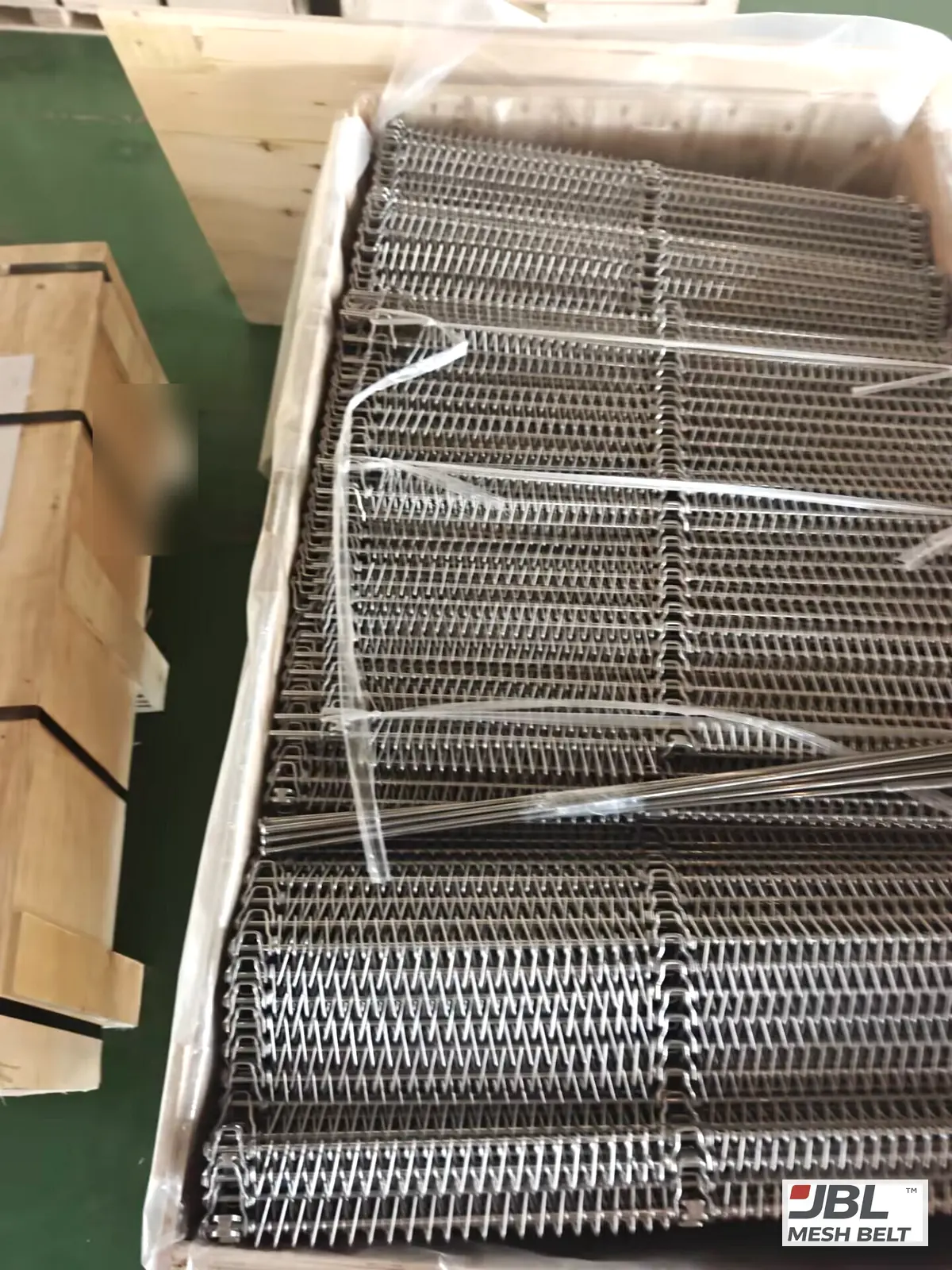
On our side, each order is documented with the confirmed drawing, inspection records, packing photos and shipment notes. When a problem is reported, it is investigated against those records and your operating conditions, and closed in writing with the root cause and the corrective and preventive action.
Your records complete the picture. Without them, the investigation starts from the failure. With them, it starts from the first change.
How I sort the causes is explained in spiral belt failure: is it the belt or the machine?.
Seeing a change on your line?
Send me your records, photos and a short video. I tell you where I think the problem starts before it stops the line.
When This Is Not the Right Choice
- ✕If your freezer already has an online monitoring system, use its data; this list is for lines without one.
- ✕Electrical, control and motor protection settings are for your electricians and the freezer maker, not for a belt supplier.
- ✕If the line runs only seasonally, take a full baseline at each restart rather than relying on last season's values.
From My Engineering Experience
Failure reviews usually start with photos taken after the belt stopped. They show the damage. They rarely show when it began.
The signs are often there earlier. In Melbourne, shavings had built up along the belt edge and the guide strips were scored. On the waffle line, the sprocket teeth were visibly worn. A photo of the same spot every month could have shown both changes as they happened.
I would like every line I supply to keep a simple log. It costs minutes per round and saves days when something goes wrong.
— Spring, Sales Director, JBL Mesh Belt
Evidence From Our Work
Melbourne, Australia — visible signs on the line →
| Step | Detail |
|---|---|
| Visible sign | Plastic shavings at the belt edge |
| Visible sign | Blue guide strips scored along the belt path |
| Cause | Rough rod-end welds with burrs on the original belt |
| Fix | New belt with welds finished smooth |
Waffle spiral cooling — wear visible on the drive →
| Step | Detail |
|---|---|
| Visible sign | Worn sprocket teeth, worn edge links |
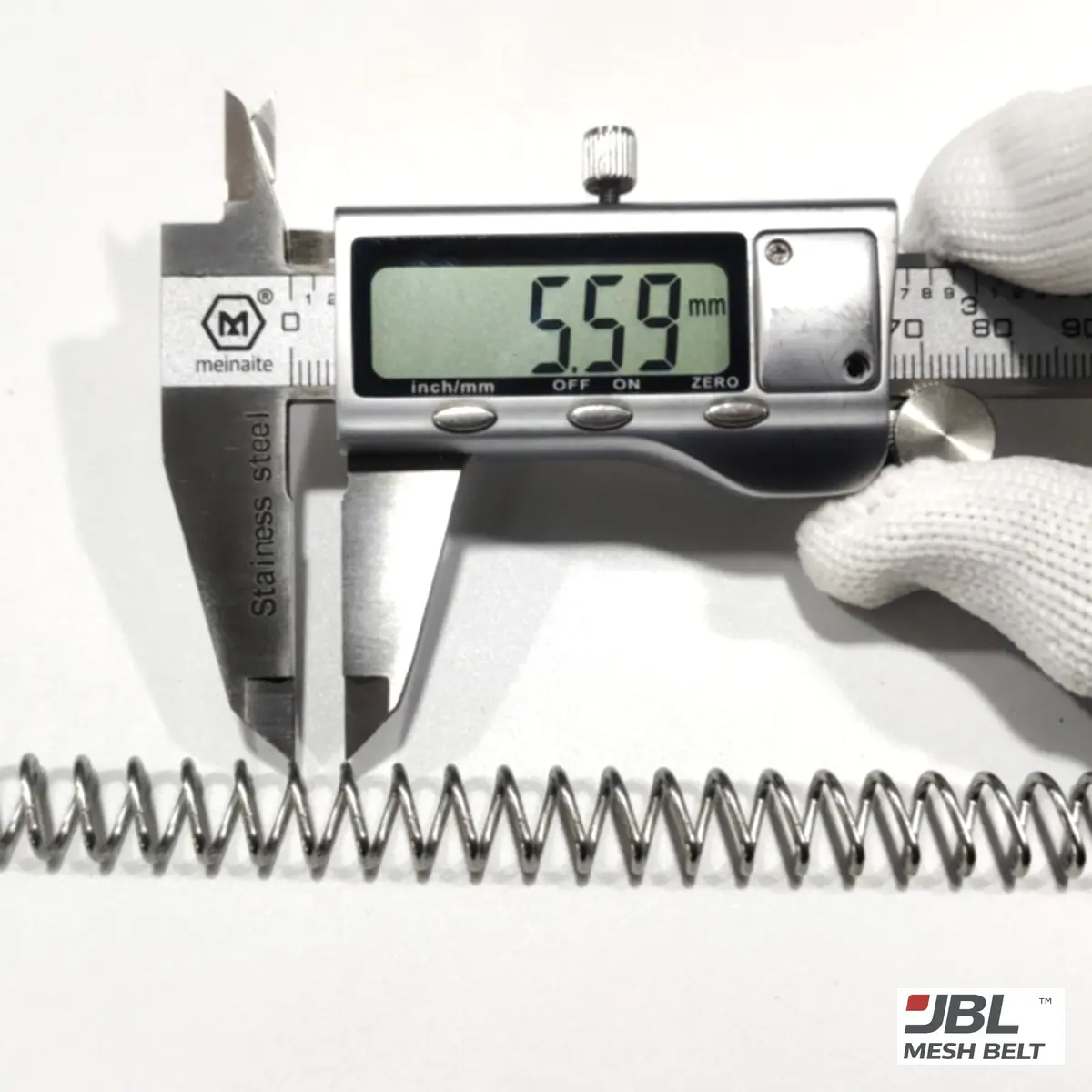
| Measured | Link 2.42 mm on the worn original |
| Fix | New belt and new sprockets |
| Checked | Sprocket run on the bulk belt before packing |
FAQ
Q1What should I monitor on a spiral freezer conveyor?
Belt and drum speed, motor current, tracking and take-up position, noise, vibration, temperature, load, cleaning cycles, wear locations and repair history.
Q2Do I need an online monitoring system?
No. A regular log and fixed-spot photos give a useful history on lines without one.
Q3When should I set the baseline?
Right after installation or commissioning, when the belt runs well.
Q4What does a moving take-up mean?
Usually belt stretch; if it nears the end of its travel, the belt and drive need checking.
Q5Does JBL sell monitoring systems?
No. We supply belts and sprockets; this list helps lines keep basic records without special equipment.
Conclusion
Record twelve basic values and fixed-spot photos before anything fails. When a problem comes, the history shows where it started.
Download the Spiral Freezer Belt Technical Specification (PDF)
Specification ranges and options in mm and inch. Enter your work email and the file downloads right away.
References

Your contact for this belt
Spring · Sales Director, JBL Mesh Belt · 16 years
“Your belt is worn, the OEM price is high, and there is no drawing. That is where I start.”
Send me a worn section, a few photos with a caliper in the picture, or a drawing. I tell you what fits, what is missing, and show you a sample measured against your own belt before you pay for the full length. Buyers in the UK, the USA, Australia, Brazil, South Korea, Spain and Malaysia have replaced belts this way.
- ✓Readings on your original next to readings on our sample
- ✓Nothing in bulk until you approve the sample
- ✓Turning, stacking or sprocket tests before your belt ships
- ✓A reply from me, usually within 8 hours